
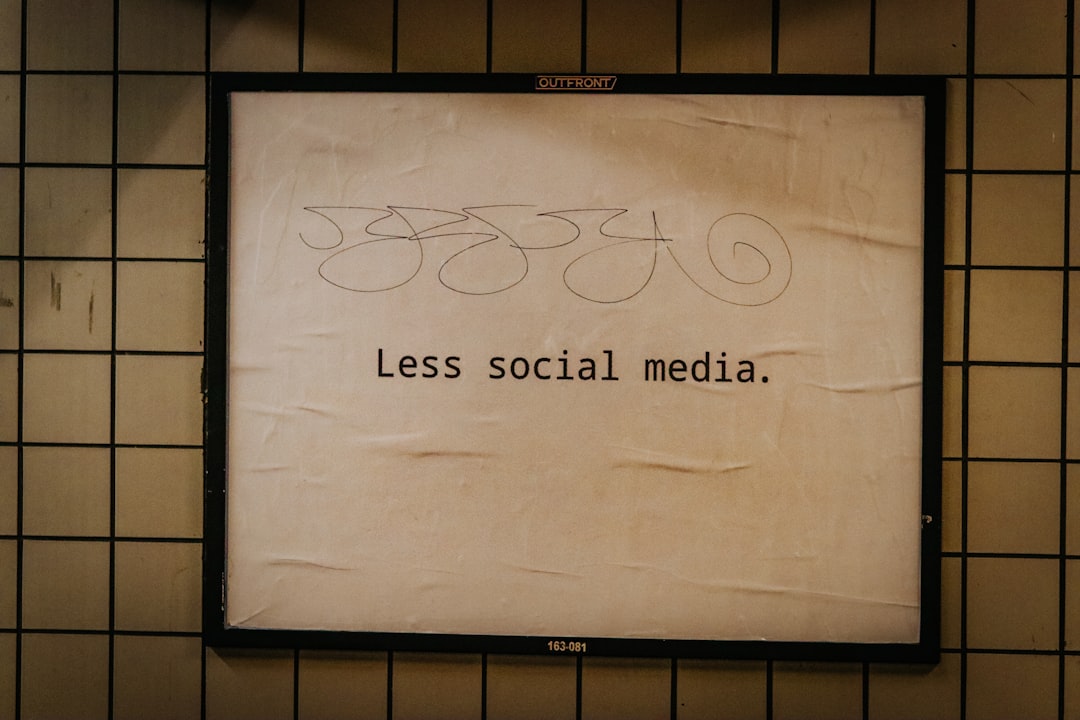

I’m at an age where I don’t really do New Years Resolutions anymore, and even if I did want to make life changes, I wouldn’t be using the Gregorian calendar to tell me when I should. But over the past few months and especially during this period of funemployment, I’ve been making yet another attempt at trying to get off of my phone.
No matter how I tune my social media algorithm, the feeds always seem to give me an endless barrage of bad news mixed with an endless barrage of ads. Every streaming service is funding genocide, and the Oracle/TikTok deal (wherein TikTok goes away for users in the US and Oracle assumes control of both the algorithm and user data) closes on January 22nd. My phone feels like a bad place, but I don’t feel like I can go nuclear on modern tech and downgrade to a dumb phone and several separate devices.
I know many of my friends are feeling the same way, and we’re all getting ads for things like Brick, Bloom, and Pausebox — pricey physical NFC devices that block and unblock certain apps, adding some friction to accessing Instagram, games, or other distracting goodies on your phone. They range in price from $20 to $60, but on iOS you can create this system for closer to free.
Disclaimer: The best and most obvious option is always to just delete your accounts on social media platforms and remove them from your devices entirely so they’re not continuing to make money by tracking you, but IG is the only way I can keep in touch with my five friends (by which I mean sending each other memes every few days to say “I love you and am thinking of you”), so I’m not ready to let go just yet.
There are tons of focus apps available, but the one I’ve found to have the best level of flexibility on iOS is a free app called Foqos, namely because you can set it up in a few different ways:
Block and unblock with the same NFC tag or QR code of your choosing, thereby behaving just like the aforementioned Brick/Bloom/Pausebox devices
Block manually with a widget, and unblock with ANY NFC tag
Block manually with a widget, and unblock with ANY QR code
Plus the same manual/automated (scheduled) ways every other focus app works
Additionally, there’s flexibility in blocking, allowing you to block only certain apps or websites, or really going back to the 90’s and turning your phone into a dumb phone.
NFC stickers, tags, or cards are readily available online and be placed strategically in inconvenient places to force you to be more mindful about unblocking distracting apps. Setting the app to unblock with a specific NFC tag is probably the best and most restrictive, as there will only be one key to unblock, but using any NFC tag allows you to hide other keys for emergencies.
The QR code can be set similarly — either unlocking with a specific QR code or barcode (which you can either create with a QR generation app or use an already printed one you have at home) , or unlocking with any QR code or barcode. Yes, this means you can unlock your phone with a can of beans or bottle of shampoo, so it may not be restrictive enough for people who are truly addicted and need more obstacles.
I personally went the QR code route and printed myself a bookmark so I might be redirected to a better activity instead.

Other ideas:
Sticking the key on your mirror, forcing you to look at yourself before you unlock those apps.
Placing a key inside your walking or running shoes or gym bag.
Placing a key above your toilet paper (the real emergency — just don’t scroll for too long while on the toilet cause that’s how you get hemorrhoids).
Placing a key on your dog’s leash, hopefully redirecting you to walk your dog before you reach for your phone.
It’s a worthy endeavor. All the news online will be bad anyway, so you may as well live in reality.